Video Automation with Make
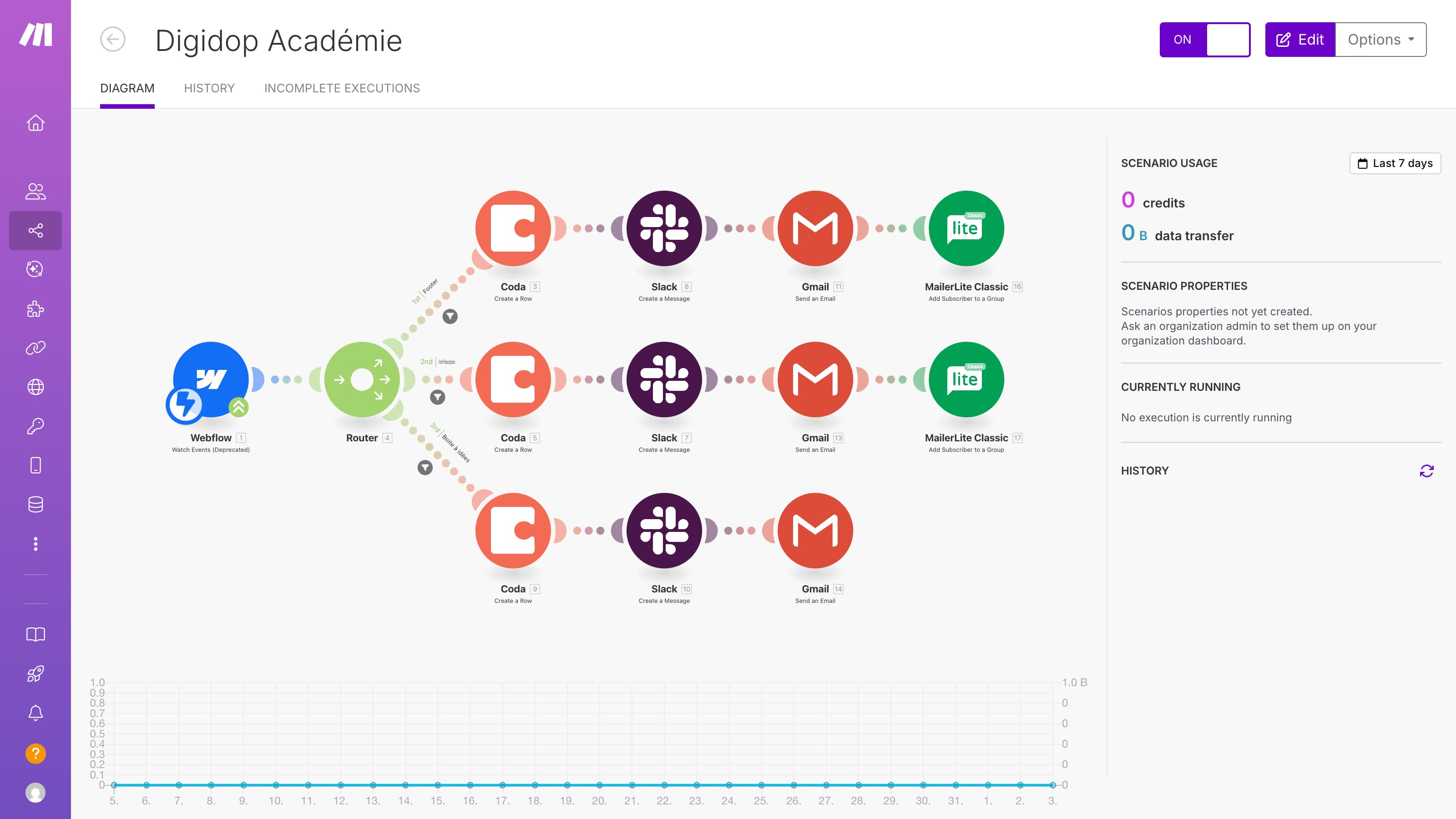
If your team runs operations-heavy workflows, video automation with Make can remove a lot of manual handling. Make is great for scenario-based orchestration where URL ingestion, transformation steps, and downstream actions need branching logic and robust retries.
For Importly workflows, the pattern is straightforward: trigger a scenario, submit media URL imports, wait for webhook completion, then route the output to storage, CRM, CMS, or notifications.
Why Make is a strong fit
Make scenarios are especially useful when workflows require:
- multi-step branching logic
- conditional routing by status
- retries and fallback handling
- transformations between systems
- clear visual orchestration for ops teams
Compared to ad-hoc scripts, this gives your team a maintainable system that non-engineers can operate safely.
Recommended architecture
- Trigger receives source URL (form, webhook, DB event)
- Scenario submits import request to API
- Job ID is stored in your source system
- Completion webhook triggers follow-up scenario
- Scenario updates records + sends notifications
- Optional final branch runs publishing/transcription steps
This event-driven model avoids brittle timeout-based automation.
Example scenario design
Scenario A: Submit import
- Trigger: New row in Airtable/Sheets
- Module: HTTP request to import endpoint
- Action: Save job ID and status = processing
Scenario B: Completion handling
- Trigger: Custom webhook from API callback
- Router: success vs failure paths
- Success branch:
- update destination record with output URL
- send Slack/Email notification
- trigger next pipeline step
- Failure branch:
- set status failed
- post retry-required alert
This split is easier to debug than one giant scenario.
Production reliability rules
To keep automation stable at scale:
- make submit requests idempotent
- dedupe callbacks by job ID
- verify callback signatures where possible
- store attempt counts and failure reasons
- include dead-letter handling for repeated failures
No-code tools still need production discipline.
Practical use cases
- Lead magnet workflows: user URL input → import → auto-deliver processed asset
- Content operations: source links → import → CMS staging update
- Sales enablement: media ingest from CRM records → attach processed outputs
These patterns reduce manual ops time and improve consistency.
Make vs Zapier positioning
- Zapier: faster for simpler linear automations
- Make: stronger for complex branching and transformation-heavy scenarios
Many teams use both, with Make handling the heavier orchestration layers.
SEO-to-activation pattern
For this keyword, readers are implementation-ready. Best-converting content includes:
- concrete scenario blueprint
- callback/retry handling guidance
- links to endpoint + webhook docs
- clear CTA to run first automated import
That closes the gap between search and real product usage.
FAQ
Is Make better than Zapier for video workflows?
It depends: Make is typically better for complex branching; Zapier is faster for simple linear flows.
Can I run async media workflows in Make?
Yes. Use webhook callbacks as the completion trigger.
Do I need engineering support?
Usually minimal support is needed to define API contracts and security checks.